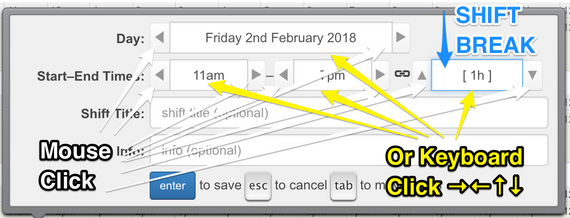
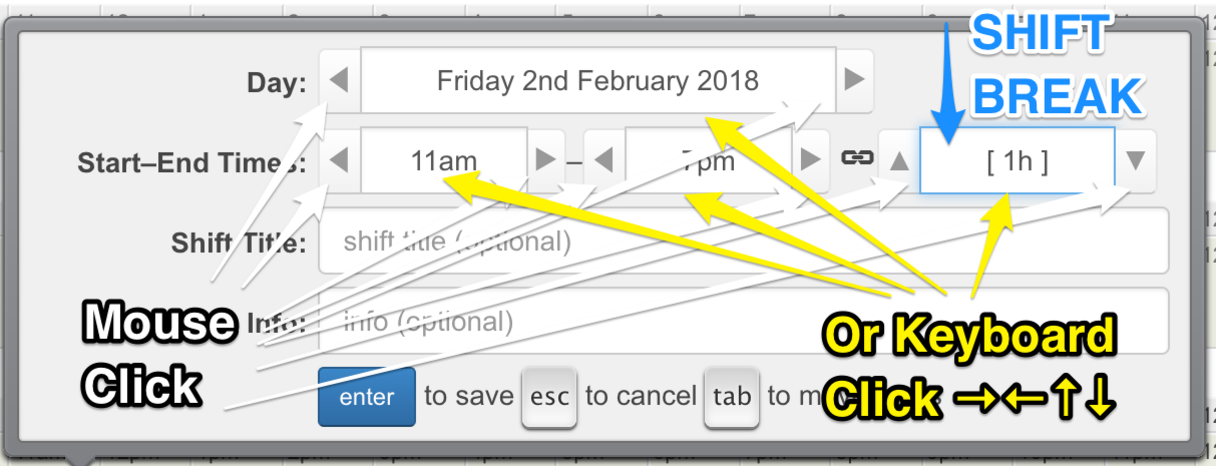
When editing a shift, a break period can be added. Shift breaks are subtracted from the total hours for the shift. So, break time is not included in the employee weekly hours or monthly hours as shown in various Rotaville reports.
Controls in the Shift Edit box
If employees are paid during their breaks then the Rotaville shift break feature should not be used. Instead, managers can just tell employees when they have a break, or break information can be included in the shift Title or Info text fields.
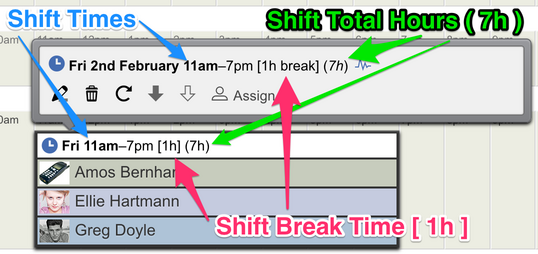
Shift break information is displayed next to the shift times in square brackets, e.g. [ 30m ], and shift total hours are displayed in round brackets, e.g. ( 7h30m ).
Shift Times and Break Times displayed in Shift Header and Shift Details Box
ProTip
It's possible to add a shift break to a shift that is as long as the entire shift, in effect making the shift a 0-hour shift.
This is useful when you'd like to add a special shift to the rota for which the hours should not be counted, e.g. a "training" shift, or a "staff party" shift.